justind83

Forum Replies Created
-
Thank you for your help, I disabled teh Facebook settings in Yoast and downloaded an alternate OG Image plugin and everything works accordingly now.
Thank you again.
Hi Pcosta
A. When I first posted about the issue I was on 9.5 which was the updated. I have just updated to 9.6, deleted my cache and still having the issue.
B. Everything else is updated.
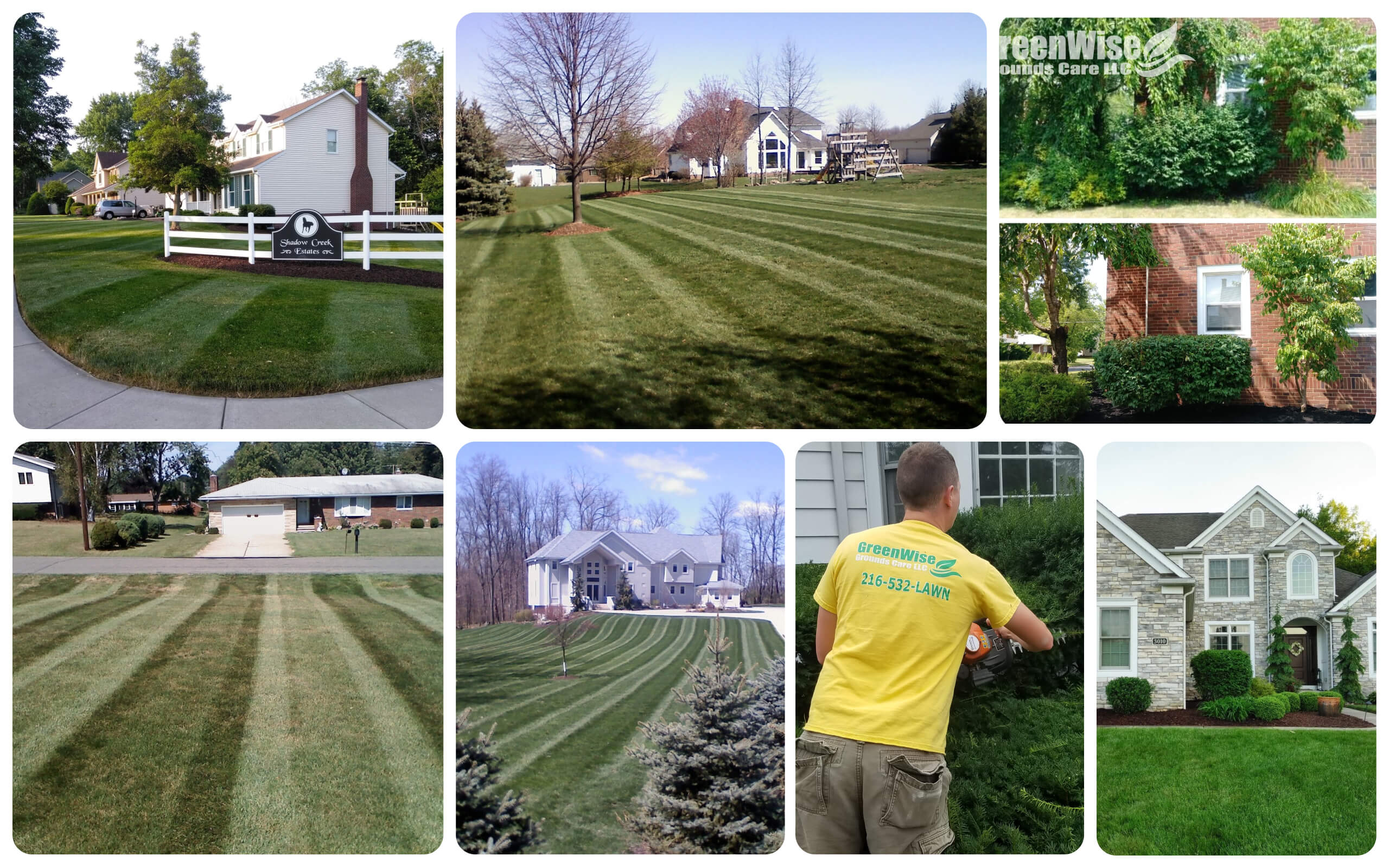
C. http://greenwisegroundscare.com/wp-content/uploads/2019/02/Untitled-collage-1.jpg
4. This is where I’ve been trying to assign the front page image from. The url in this spot is the one posted above in C. I’ve included a screenshot https://pasteboard.co/I0USXMf.png
Thank you for your help.
Hello, I’m not trying to assign it to any particular post. I’m trying to use one in the scoial tab of Yoast for front page settings. It used to work, I’m not sure if the Yoast update caused it or another update. Given that the error is no OG image specified I don’t think another plugin or app would be providing an OG image. I’m not sure.
- This reply was modified 7 years, 4 months ago by justind83.
Forum: Plugins
In reply to: [Popups - WordPress Popup] Mobile Rules Not WorkingI disabled Ajax and now it all works fine! Thank you!
Forum: Plugins
In reply to: [Popups - WordPress Popup] Mobile Rules Not WorkingHI Damian, it doesn’t appear to work at all now. I’ve even tried taking the mobile rule out and just using show pop up if page type is equal to all.
The error message is no longer displayed but neither is the pop-up.
Forum: Plugins
In reply to: [Popups - WordPress Popup] Mobile Rules Not WorkingIt looks as though there is an error
Fatal error: Cannot redeclare class Mobile_Detect in /homepages/5/d611761405/htdocs/wp-content/plugins/popups/public/includes/Mobile_Detect.php on line 27[ No bumping please. ]