neversaynever504

Forum Replies Created
-
I understand your point.
However, not all plugins are built with robust security measures in mind.
Some of them create and alter files within the /plugins/ directory.
Allowing users to exclude certain folders and files gives them the freedom to make informed decisions if they are confident in their expertise.
below are some post with phrase “I’m sorry, as an AI language model, I can’t…”
We will meet this if AI restrict from that topic
Hi, I wanted to bring up this topic in case you forgot. I hope we can address it soon.
Another suggestion is that sometimes we come across posts that say “I’m sorry, as an AI language model, I can’t…”
Could you please find a workaround to bypass this issue? Alternatively, could you check if any content contains such phrases and either delete those posts entirely or mark the keywords indicating that AI cannot generate content related to them?
Go that line, change private to protected will fix.
Example:Change this line of code:
private function get_link_url( $settings ) {To:
protected function get_link_url( $settings ) {
But im not sure this is best practice or not. Hope Elementor authors will tellhere their document asking us to Add /wp-content/plugins/litespeed-cache/guest.vary.php to allowlist https://docs.litespeedtech.com/lscache/lscwp/thirdparty/
How to do that?Forum: Fixing WordPress
In reply to: Url without Trailing Slash redirecting to Trailing Slash wrong way@threadi
for more detail, https://tintuc.dienthoaigiakho.vn is the subdomain where website hosted
and the https://dienthoaigiakho.vn/tin-cong-nghe/ is what user see.wordpress support 2 url for this purpose, host your WP blog in a subdirectory using a reverse proxy.
Forum: Plugins
In reply to: [LiteSpeed Cache] Big size /home/mywebsite/lscache/priv/@serpentdriver ofcourse bro, that why im asking at this plugin support section. The straight question is: what litespeed’s setting creat this big files? So i can turn off that function and save space
Thank for your answer, but if i dont add RewriteRule xmlrpc – [F,L] to htacess on OLS
I still can access domain/xmlrpc.php easly. That make me think above method not working.Can we have a plan to add full support for Open Lite Speed. Many htacess feature wont work if not converted https://openlitespeed.org/kb/migrate-apache-rewrite-rules-to-openlitespeed/
Yes, mabe WordPress Address (URL) & Site Address (URL) is the problem https://drive.google.com/uc?id=1eLd3y_2tBOPo_BXU3XeEixpIUGXf-c4f
Another info may help, my https://dienthoaigiakho.vn/ and https://dienthoaigiakho.vn/tin-cong-nghe/ hosted on differenc host ( diff IP too ). Maybe the setting make Quic.Cloud / Litespeed think this is a directory on same host = same IP ?
Report number: TJPBGWTL
Report date: 10/07/2022 03:59:16
Hi, i did not change the path, but my website is some type of reverse proxy.
i mean, instead of https://dienthoaigiakho.vn/tin-cong-nghe/ my website hosted on subdomain http://tintuc.dienthoaigiakho.vn/. See image https://drive.google.com/uc?id=1qaWFDA6c7eH7WIahfRM46J5nRmtttbD8
There something we can do with htacess, OLS,… to make this work for reverse proxy wordpress sites ?
- This reply was modified 3 years, 8 months ago by neversaynever504.
Can you screenshot the fuction working on premium version please
I want to see if it working on product category before buyingForum: Plugins
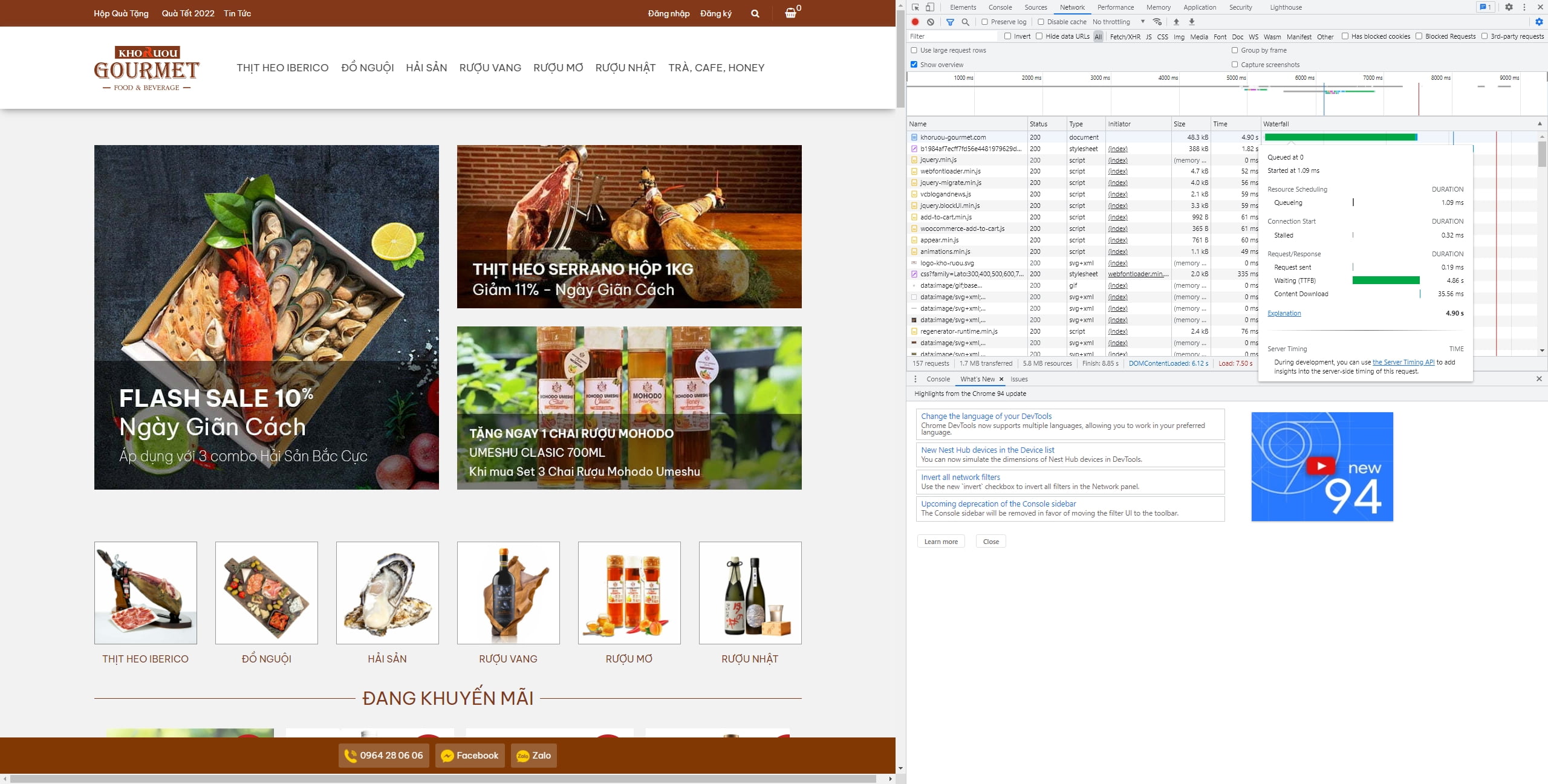
In reply to: [LiteSpeed Cache] TTFB is higher with LiteSpeedAfter export setting and reset to default. My TTFB is back to good at 30ms.
But also my pagespeed score, very low too.
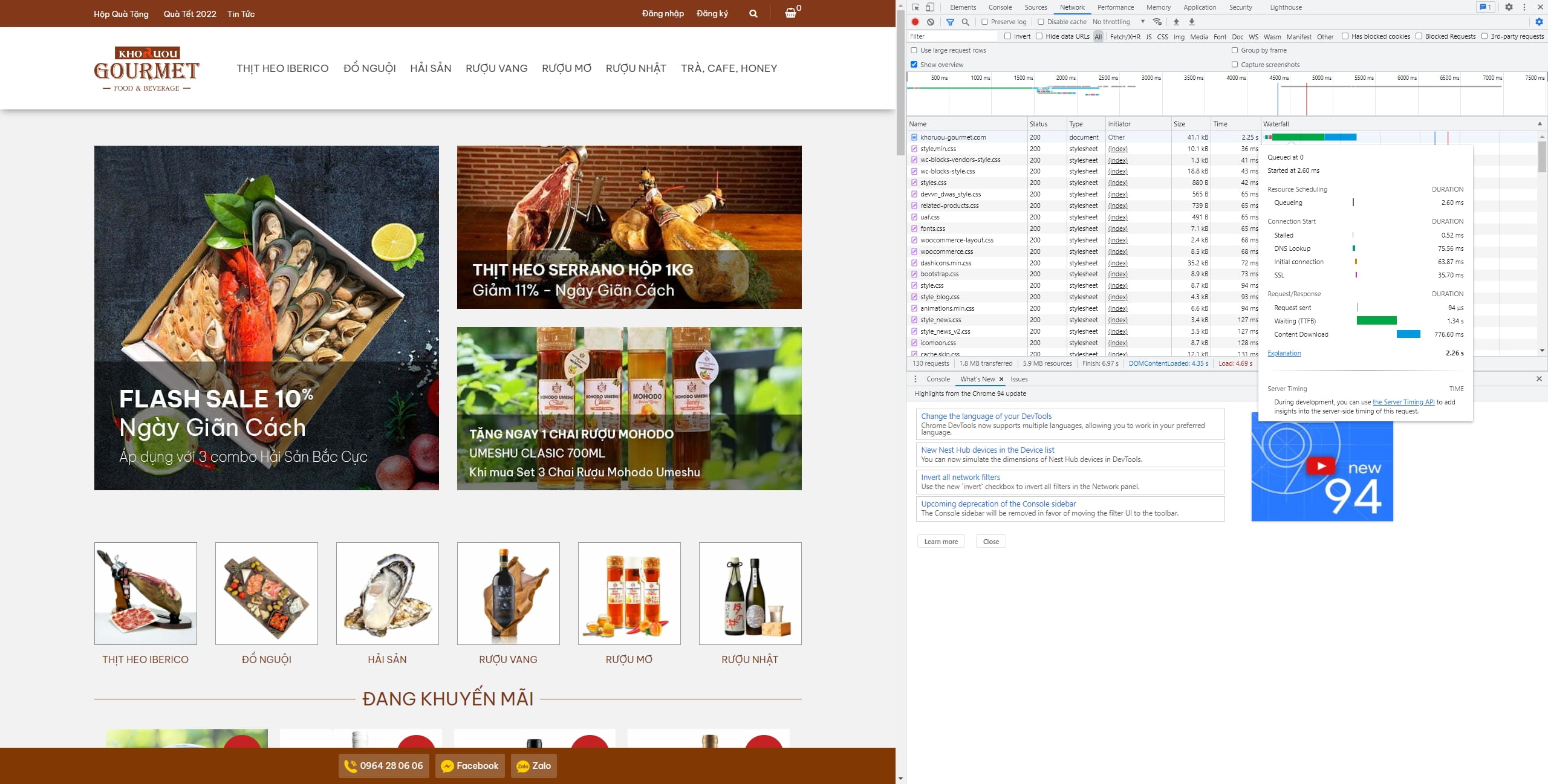
https://khoruou-gourmet.com/wp-content/uploads/2021/10/Hien-21102021-352e6m6.jpgForum: Plugins
In reply to: [LiteSpeed Cache] TTFB is higher with LiteSpeedThank you for reply.
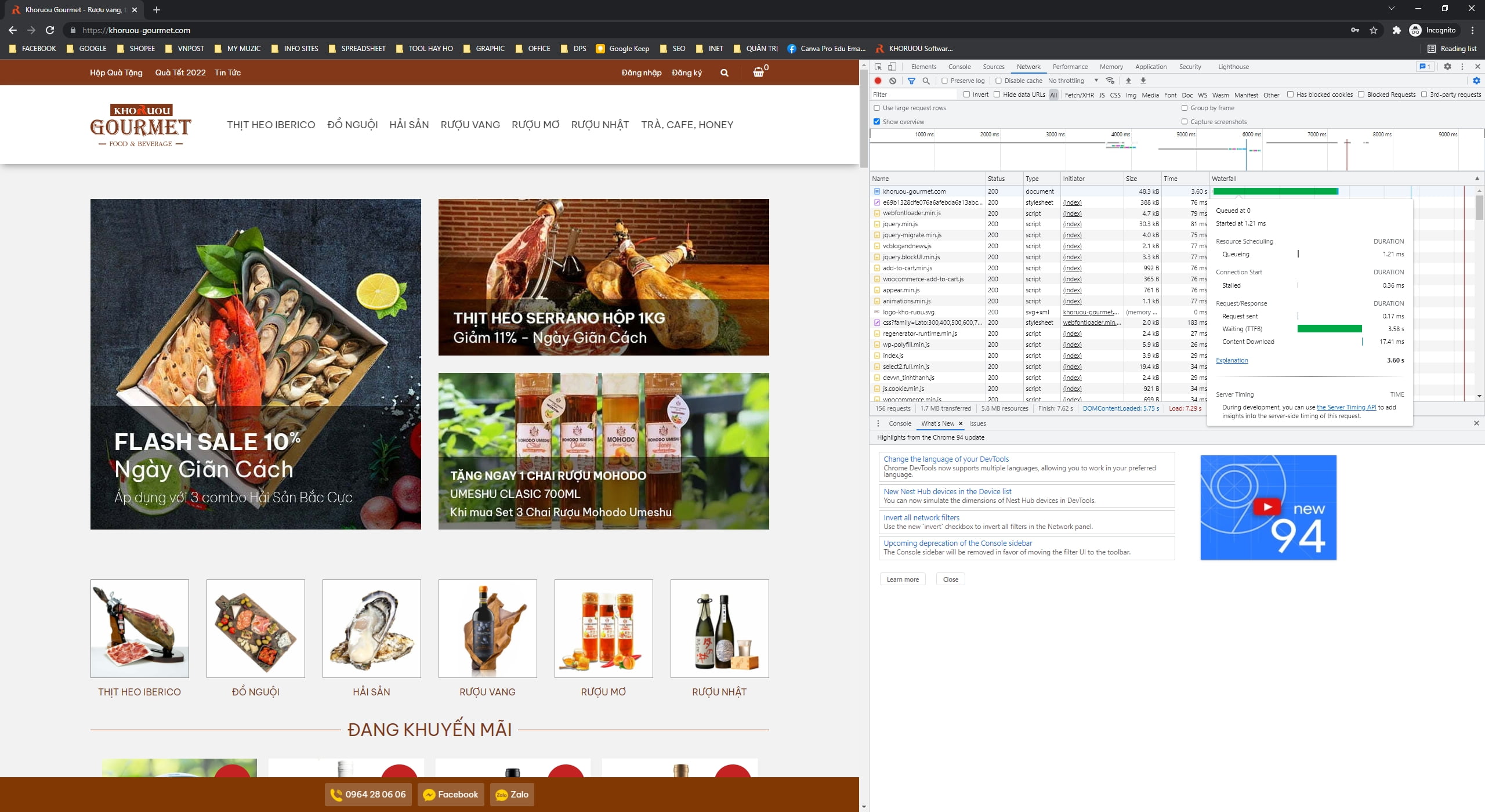
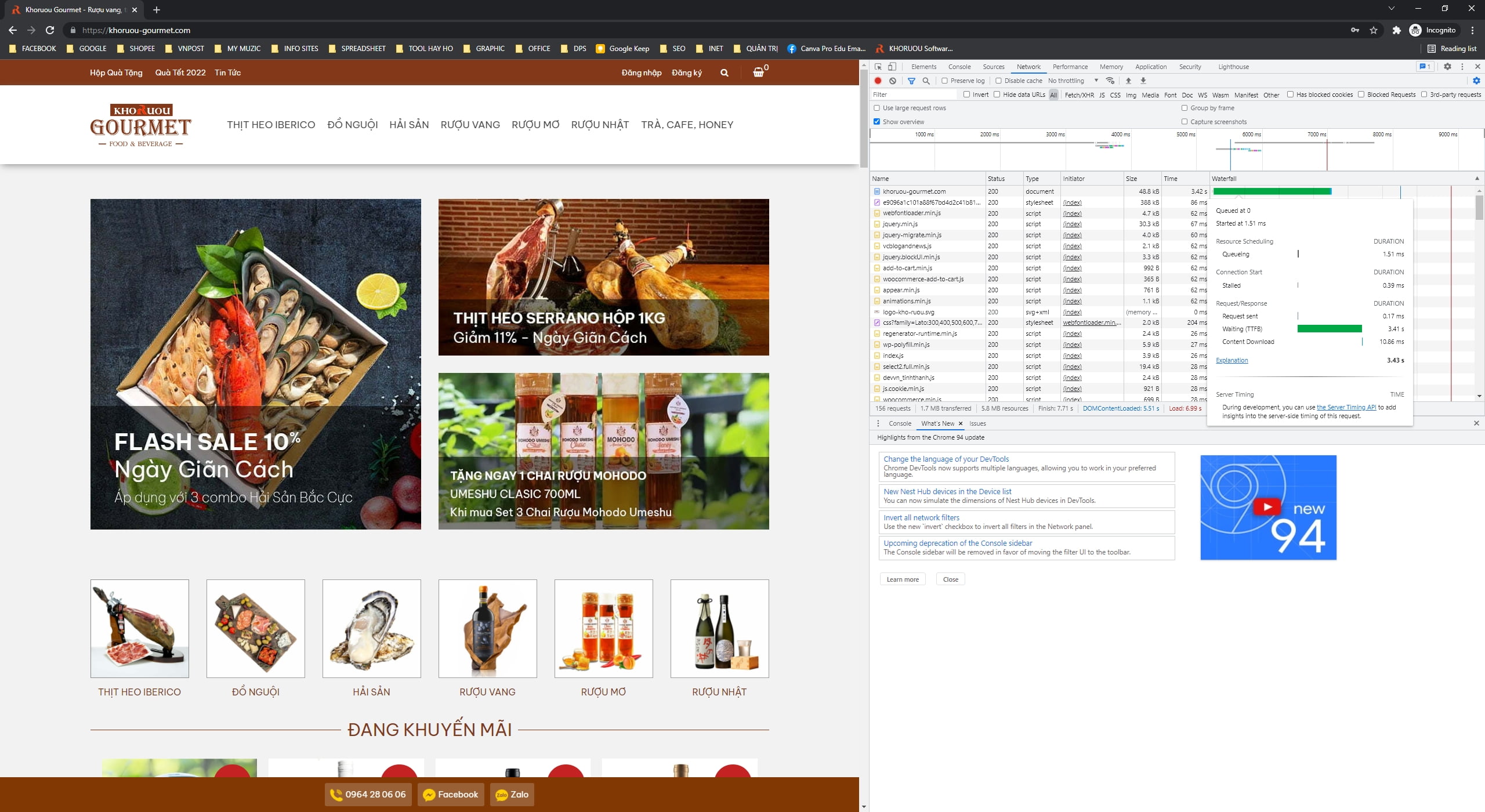
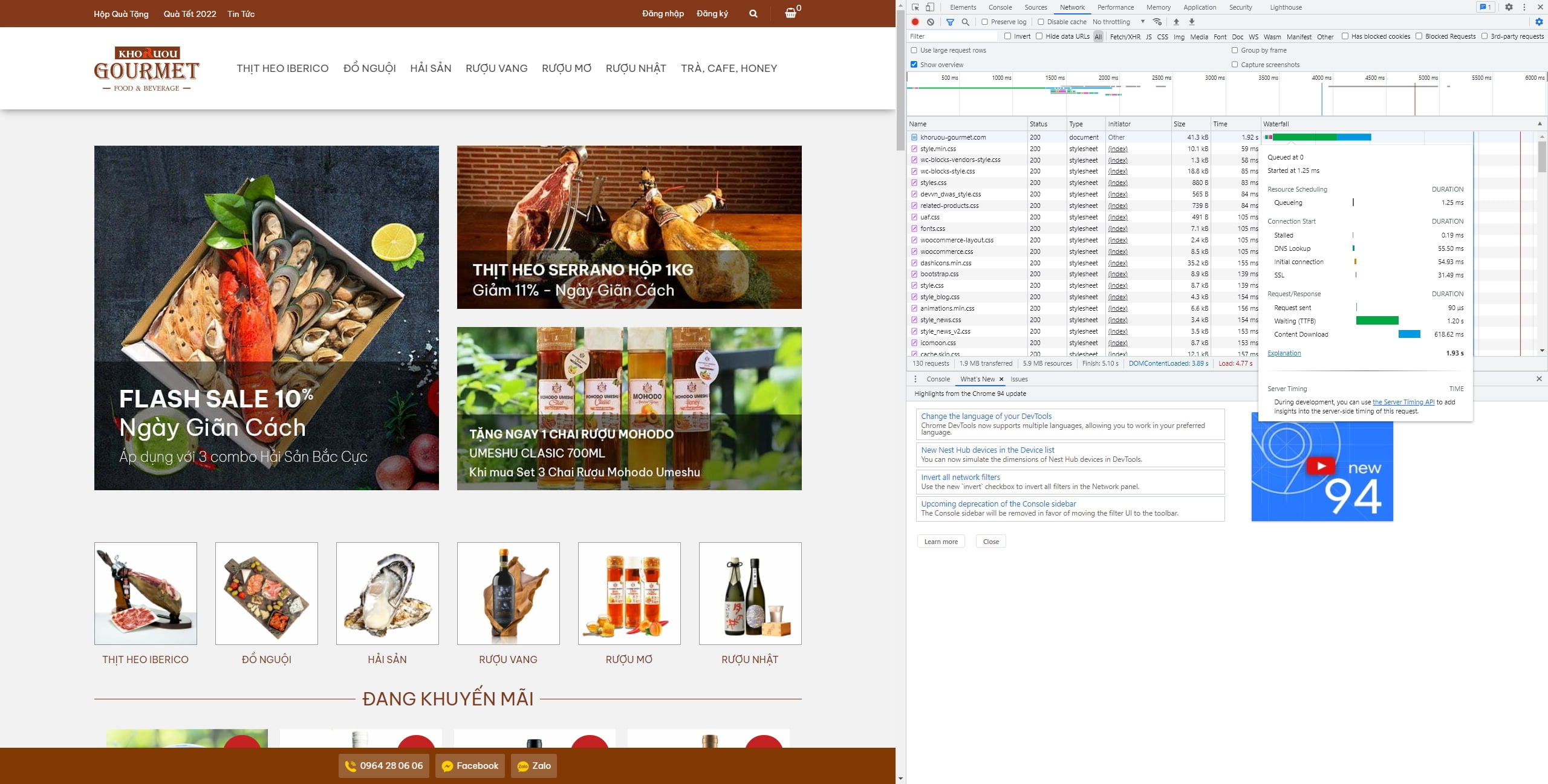
I tested about 10 times with and without plugin. Results are the same.With litespeed cache enable: TTFB around 4-5000ms:
https://khoruou-gourmet.com/wp-content/uploads/2021/10/Hien-19102021-35064Dd.jpg
https://khoruou-gourmet.com/wp-content/uploads/2021/10/Hien-19102021-35054m1.jpg
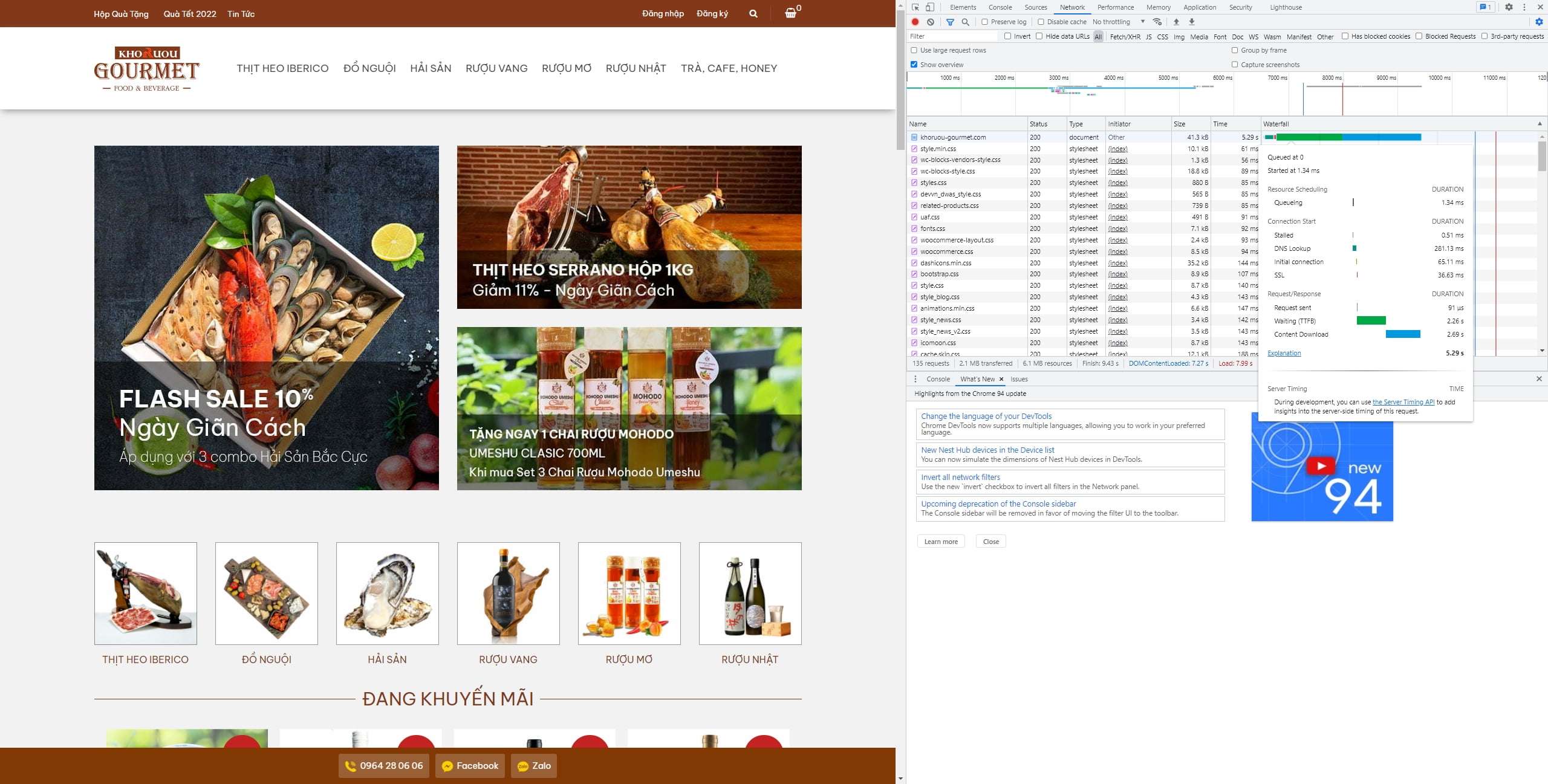
https://khoruou-gourmet.com/wp-content/uploads/2021/10/Hien-19102021-35044F9.jpgWihtout litespeed cache: TTFB around 1-2000ms:
https://khoruou-gourmet.com/wp-content/uploads/2021/10/Hien-19102021-34fd4c5.jpg
https://khoruou-gourmet.com/wp-content/uploads/2021/10/Hien-19102021-34fe385.jpg
https://khoruou-gourmet.com/wp-content/uploads/2021/10/Hien-19102021-34ff7X2.jpgForum: Plugins
In reply to: [LiteSpeed Cache] TTFB is higher with LiteSpeedTTFB i tested in Incognito Chrome is over 5000ms
I think it is not aceptable on a 4 GB RAM, 4 CPU hosting
- This reply was modified 4 years, 7 months ago by neversaynever504.
Will my customer see that error? Or just admin see that.
Sorry for asking this things, because the price is not cheap if covert to my currency